My Projects
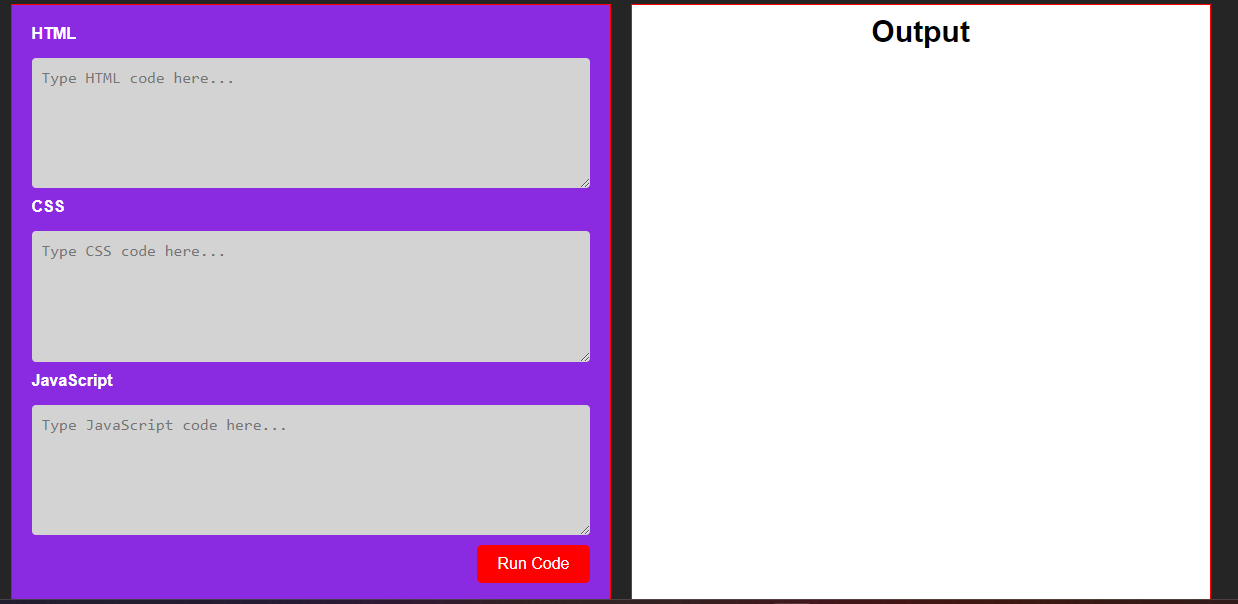
Code Editor Application
Overview: The Code Editor Application is a sleek and modern web-based code editor designed for simplicity and efficiency. Built using HTML, CSS, JavaScript, and Bootstrap, this application provides a responsive and intuitive environment for coding directly in your browser. Features: Responsive Design: Utilizes Bootstrap for a responsive layout that adapts to different screen sizes, ensuring a seamless experience across devices from desktops to tablets and mobile phones. Real-time Preview: View the results of your code instantly with a real-time preview pane that updates as you type. User-friendly Interface: Features a clean and organized layout with a user-friendly interface, making it easy for both beginners and experienced developers to navigate and use. Technology Stack: HTML: Structure of the application including the editor area, preview pane, and file management components. CSS: Custom styles for the editor and user interface, utilizing Bootstrap for responsive design and layout. JavaScript: Enhances functionality with dynamic features such as real-time code execution, theme switching, and file handling. Bootstrap: Provides a responsive grid system and pre-built components for a modern and consistent look across devices. Usage: Write HTML , CSS , JavaScript Code Here.
View Source Code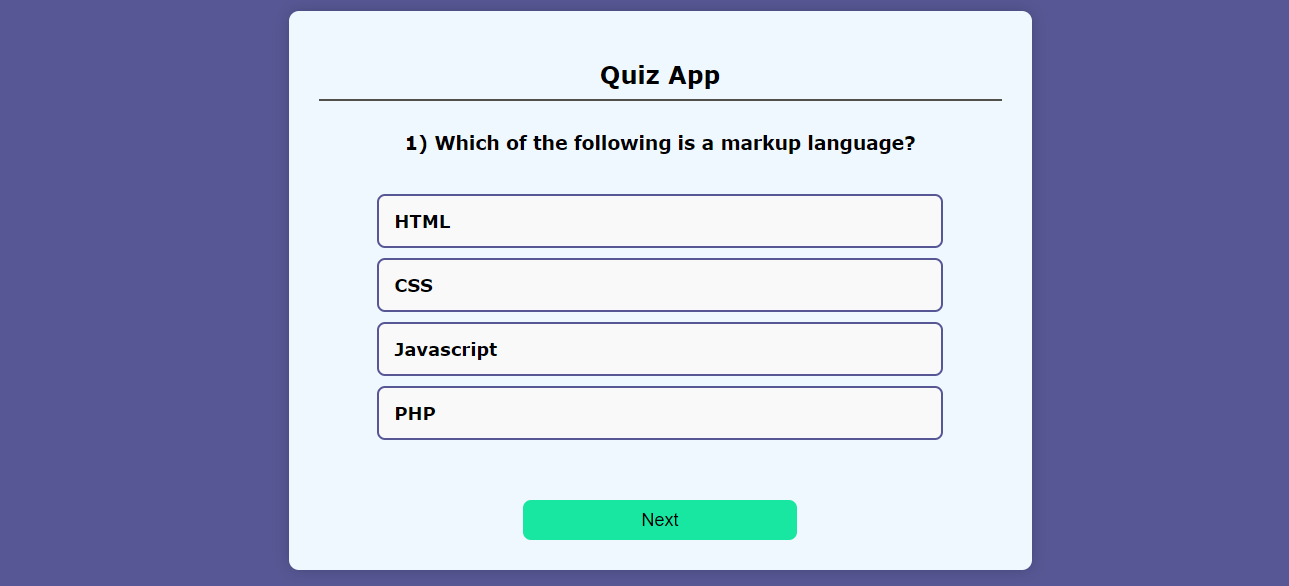
Quiz Application
Overview: The Quiz Application is an engaging and interactive web-based tool designed to create, administer, and take quizzes. Built using HTML, CSS, and JavaScript, this application offers a seamless and responsive experience for users to test their knowledge across various subjects. Features: Dynamic Question Display: Presents quiz questions dynamically with options to select multiple-choice answers. Supports various question formats including single-choice and multiple-choice questions. Interactive User Interface: Utilizes HTML and CSS to provide a clean and visually appealing interface. JavaScript enhances user interaction with real-time feedback and dynamic question transitions. Score Tracking: Automatically calculates and displays the user’s score at the end of the quiz, providing immediate feedback on performance. Responsive Design: Designed with responsive CSS to ensure compatibility with various screen sizes, including desktops, tablets, and mobile phones. Technology Stack: HTML: Provides the structure of the quiz application, including question sections, answer options, and user interface elements. CSS: Styles the quiz interface to enhance visual appeal and usability. Custom styles ensure a consistent look and feel across devices. JavaScript: Manages quiz logic including question navigation, answer validation, score calculation, and timer functionality. Enhances user interaction with dynamic content updates and feedback. Usage:
View Source Code